

Offline AI for Microsoft Excel
Turn Every Workbook Into Secure Business Intelligence
TechDB-iQ Offline AI for Excel helps enterprise teams analyse complex spreadsheets, automate calculations, create decision-ready reports, and uncover meaningful insights—without moving sensitive workbook data beyond your controlled environment.
Work Smarter in Excel With Offline AI
Analyse spreadsheets, check calculations, and create clear reports with the TechDB-iQ Excel Add-in. AI works entirely offline, so sensitive workbook data stays within your controlled environment.
Secure AI Assistance, Right in Your Workbook
See What Your Spreadsheets Can Tell You
Discover how offline AI can help your team find answers faster without sending workbook data to the cloud.
From Spreadsheet Data to Actionable Insight
Analyse Complex Workbooks Faster
Interpret large, multi-sheet Excel files with AI assistance that helps teams understand formulas, data structures, exceptions, and key drivers in less time.
Perform Smarter Calculations
Generate, validate, and refine calculations with contextual support for formulas, reconciliations, financial models, and operational analysis.
Create Decision-Ready Reports
Transform raw workbook data into clear summaries, management reports, and structured narratives tailored to the audience and business question.
Identify Trends and Variances
Surface patterns, outliers, movements, and performance variances across datasets so teams can focus attention where it matters most.
Ask Questions in Plain Language
Explore spreadsheet information through natural-language prompts, making it easier for business users to investigate data without complex manual steps.
Accelerate Enterprise Productivity
Reduce repetitive spreadsheet work and give finance, operations, sales, and leadership teams faster access to reliable, actionable business insight.
Keep Sensitive Excel Data Within Your Control
TechDB-iQ Offline AI for Excel is designed for organisations that need the productivity benefits of AI without unnecessary cloud exposure. Workbook content is processed within your controlled environment, helping keep confidential financial figures, customer information, operational records, and proprietary models where your organisation governs access and handling.
By supporting offline processing, the solution helps enterprise teams align AI-enabled spreadsheet workflows with internal security policies, data-governance practices, and regulatory obligations. Teams can analyse, calculate, report, and extract insight from sensitive workbooks while maintaining greater control over where data resides and how it is used.

From Workbook Questions to Confident Outcomes
Step 1
Ask in Plain Language
Open your workbook and ask TechDB-iQ what you need to know—explore trends, locate anomalies, explain figures, or identify the next best action without complex formulas.
Step 2
Automate and Validate
Turn repeatable spreadsheet work into guided actions, from calculations and data cleanup to formula checks, reconciliation, and validation across key worksheets.
Step 3
Create Clearer Reports
Transform analysis into concise summaries, reporting narratives, and decision-ready outputs while your sensitive workbook data stays within your controlled environment.
Offline Excel AI for Every High-Stakes Team
Apply secure, natural-language intelligence to everyday Excel work—from detailed analysis and forecasting to compliance reporting and operational decisions—without sending sensitive workbook data to the cloud.
Finance Analysis & Forecasting
Analyse P&L performance, budget variances, cash flow, and forecast scenarios faster with offline assistance built for confident financial decisions.
Government & Compliance Reporting
Prepare auditable reports, review public-sector data, and validate calculations in a controlled environment designed for sensitive information.
Insurance Risk & Operations
Explore claims, policy, and portfolio data, identify emerging patterns, and support risk reporting without exposing confidential records externally.
Sales & Enterprise Intelligence
Turn pipeline, operational, legal, and business data into clearer forecasts, actionable summaries, and decision-ready Excel reporting.
Offline Excel AI vs Cloud-Based AI Tools
Data Residency
Stays within your organisation’s controlled environment
Data may be processed outside your environment
Greater control over where workbook data resides
Connectivity
Operates offline without internet dependency
Requires a cloud connection to process requests
Supports secure, uninterrupted spreadsheet work
Confidentiality
Sensitive workbook content remains local and protected
Information is transmitted to external cloud services
Reduces exposure for confidential business data
Enterprise Control
Enables governed workflows, validation, and productivity
Policies and controls depend on third-party platforms
Keeps AI-assisted Excel work aligned with enterprise requirements
Measurable Gains for Excel-Driven Teams
TechDB-iQ Offline AI for Excel helps enterprise teams spend less time preparing data and more time acting on it—while sensitive workbook information stays within your controlled environment.
Less Manual Analysis Time
Faster Report Creation
More Consistent Outputs
More Users Accessing Insights
Offline AI for Excel: Enterprise FAQs
Explore how TechDB-iQ brings secure, practical AI assistance to spreadsheet analysis, calculations, reporting, and business insight workflows.
Does TechDB-iQ Offline AI for Excel work without an internet connection?
Yes. TechDB-iQ Offline AI for Excel is designed to operate within your organisation’s controlled environment, enabling AI-assisted spreadsheet work without sending workbook content to external cloud services.
How is confidential workbook data protected?
Your sensitive workbook data remains under your organisation’s control. The offline deployment model helps support confidentiality requirements for financial, operational, customer, and other business-critical spreadsheet information.
Which Excel workflows can TechDB-iQ support?
Teams can use TechDB-iQ to accelerate spreadsheet analysis, formula and calculation assistance, report preparation, data interpretation, summaries, and the generation of actionable business insights from workbook content.
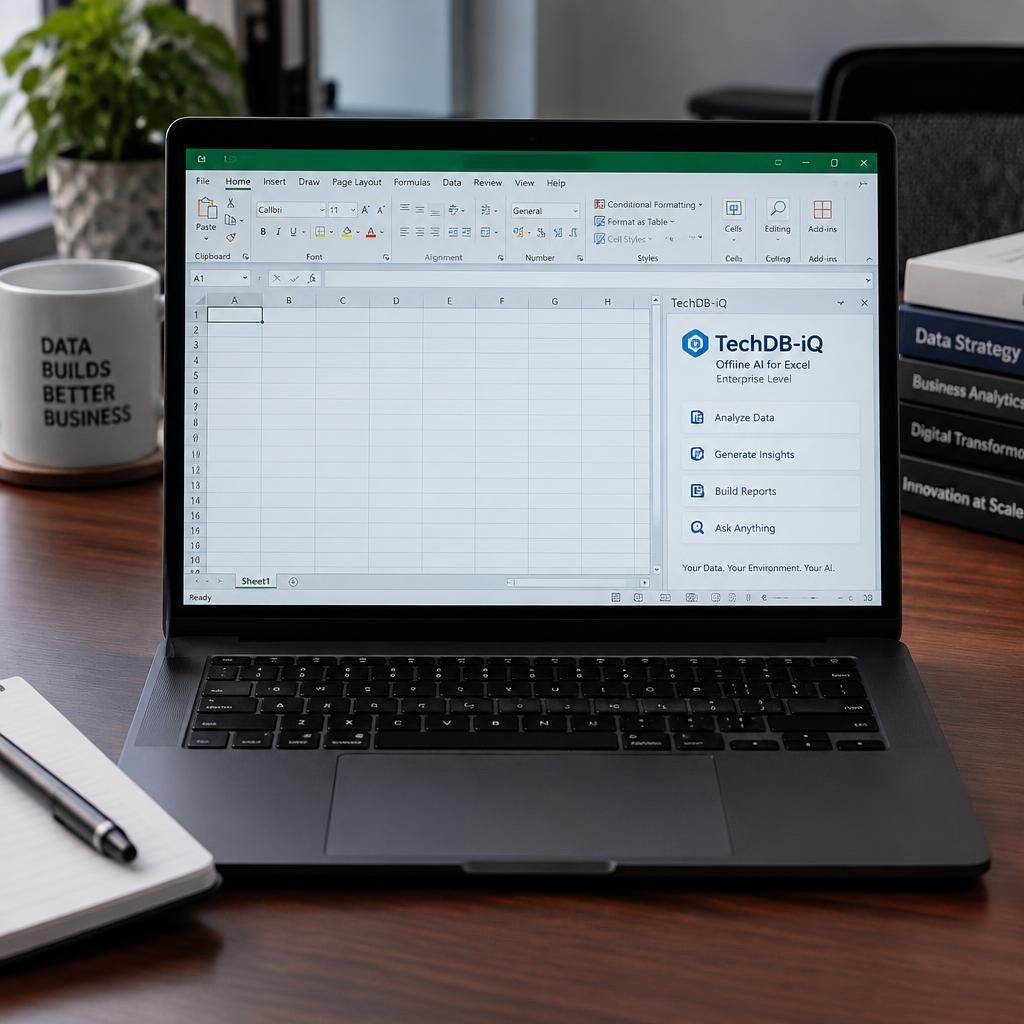

Bring Secure AI Assistance to Every Excel Workflow
Talk with TechDB-iQ about deploying Offline AI for Excel alongside enterprise dashboards and analytics—so your teams can create faster, more consistent insights without compromising data control.